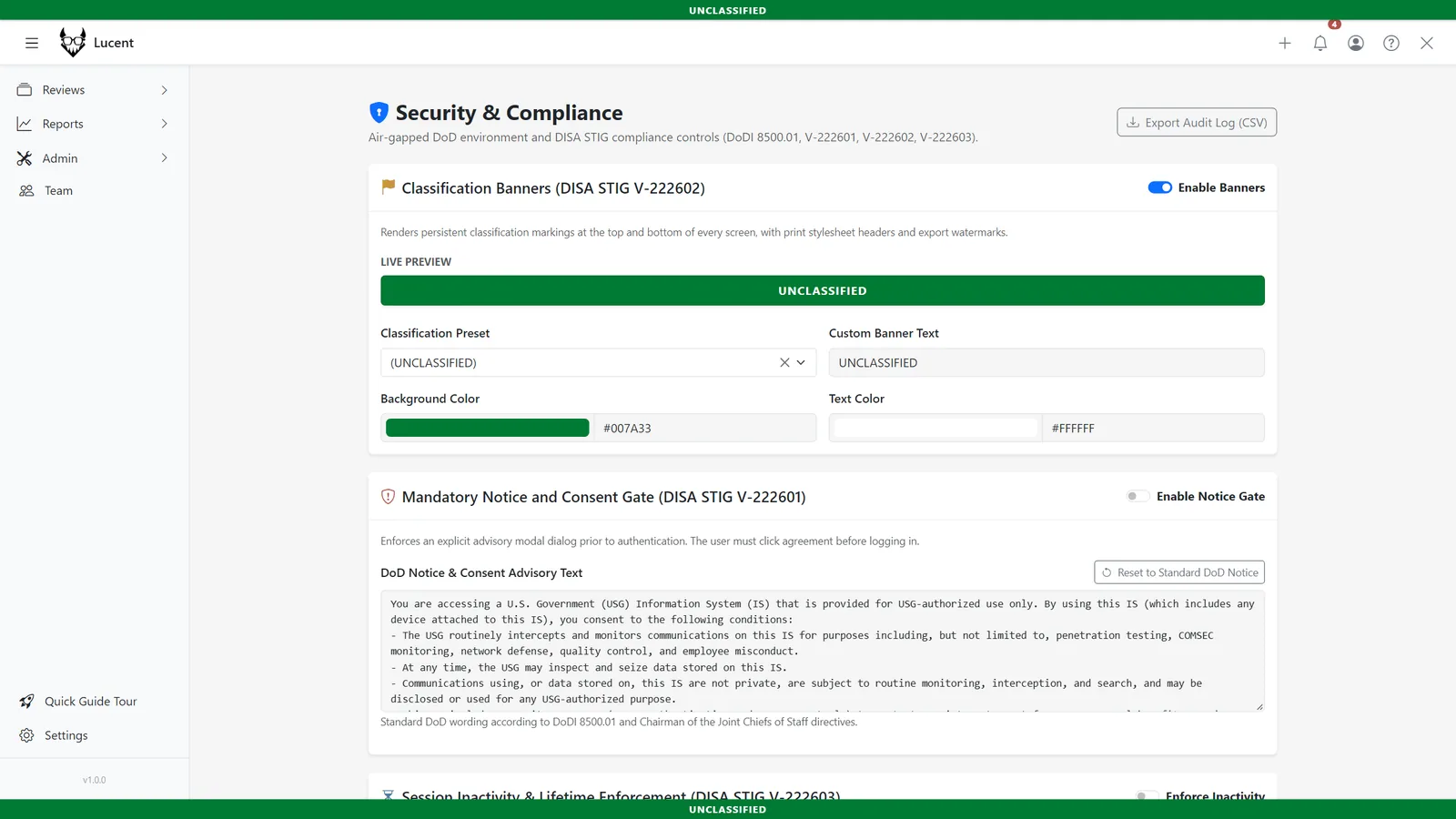
Lucent Features
Configurable Checklists
Enforce rigorous standards and ensure nothing is overlooked during critical review cycles.
Workflow Automation
Checklists out of the box.
Checklists can be automatically assigned as default to specific workflows. Ensure that every time a developer submits a PR or a systems engineer uploads a design doc, the correct set of compliance questions is instantly attached and required before approval.
Multiple Answer Types
Gather the data you need.
Don't limit yourself to simple checkboxes. Lucent supports multiple answer types including free text, booleans, and single-select options. Craft detailed questionnaires to capture the exact context needed for rigorous auditing.
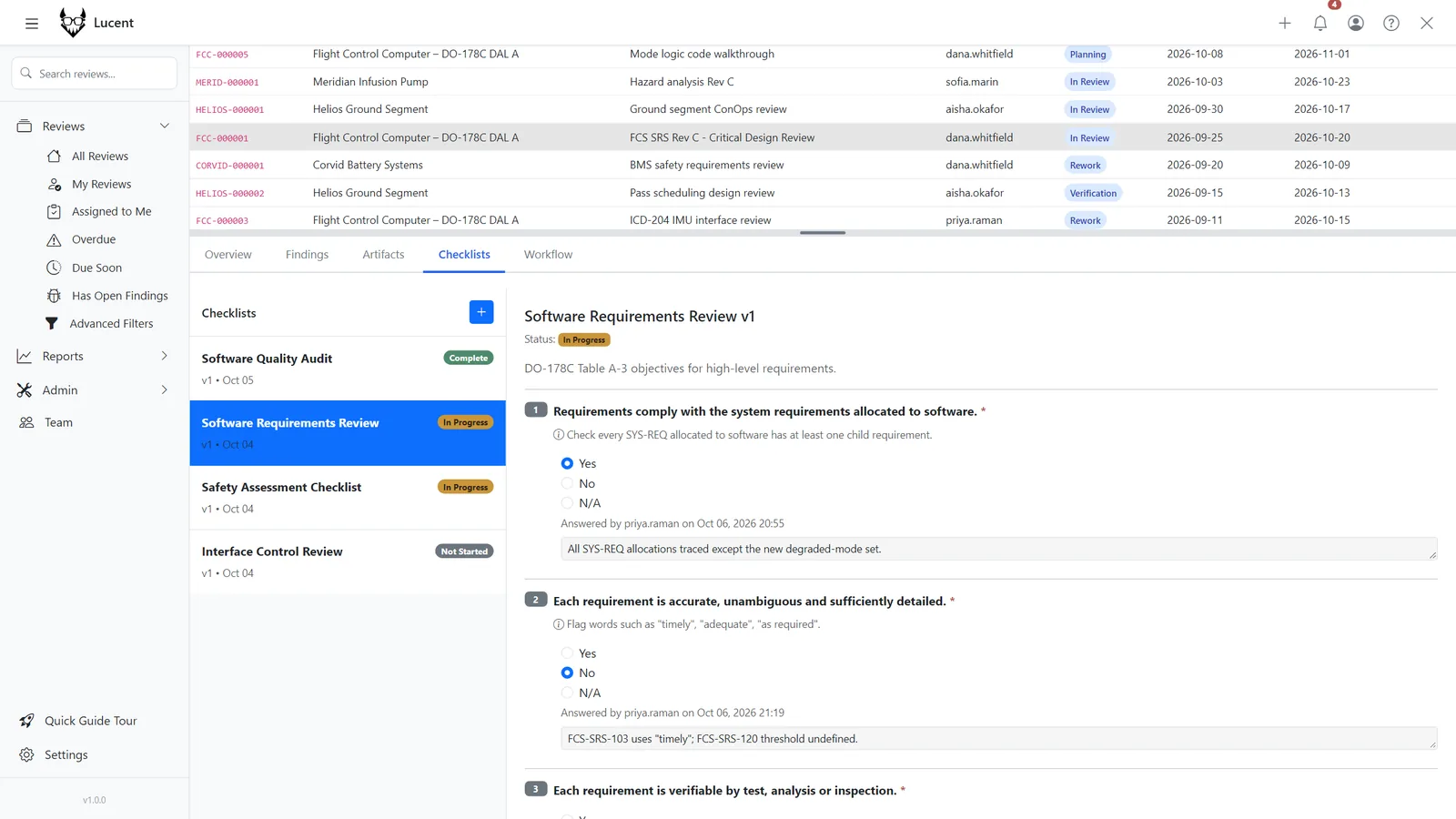
Individual Accountability
Per-question auditing.
Answers are recorded on a question-by-question basis. Lucent tracks precisely who answered what, keeping an audited record of the person who filled out every single item, ensuring airtight accountability down the line.
Role-Based Limitations
Delegate to the experts.
Not everyone should be allowed to sign off on a security audit checklist. In Lucent, checklists can be limited to specific roles and users, enforcing that only qualified individuals with the correct clearance can complete critical questionnaires.