Actus / API & migration

Script it, extend it, move over from Jira.

Everything the web client does is available over a documented API, existing Jira scripts keep working against a compatible subset, and a guided migration brings your Jira Server or Data Center instance across.

01 / REST & tokens

One credential, your permissions.

Create API tokens from your user menu with an optional expiry and, if the automation must sign on your behalf, the sign scope. A token is shown once and stored as a SHA-256 hash, runs with your permissions and is attributed to you in the audit log. Send it as a Bearer token. All routes are described at /openapi/v1.json, and a subset of the Jira REST API under /rest/api/2 covers JQL search, issues, transitions, comments and worklogs.

  • OpenAPI 3 description of every route
  • Optional expiry, sign scope and immediate revocation
  • Jira-compatible issue, transition, comment and worklog endpoints
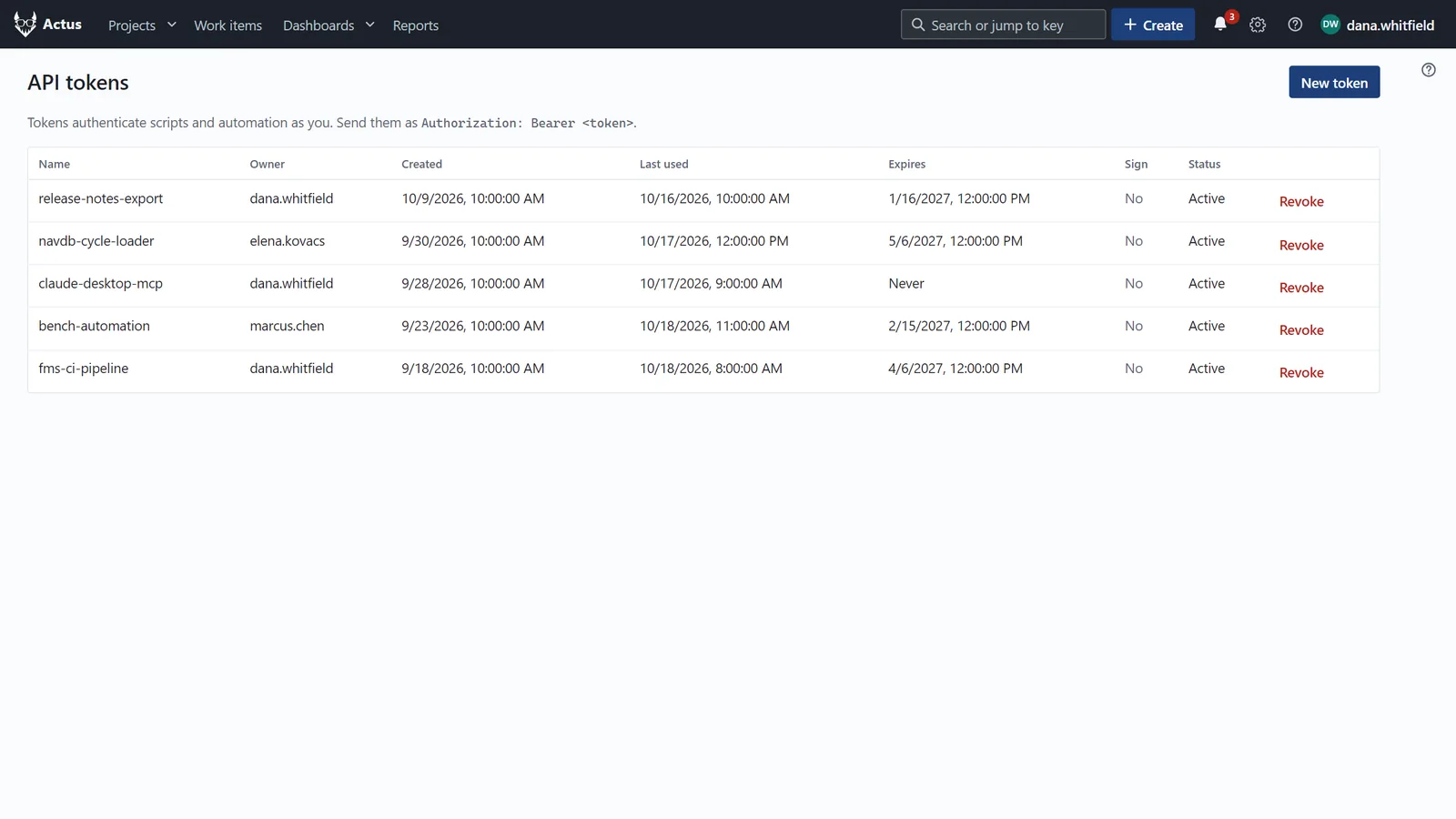
API tokens page listing five tokens with owner, created, last used and expiry dates and Active status
02 / Jira migration

Dry run, confirm, then deltas.

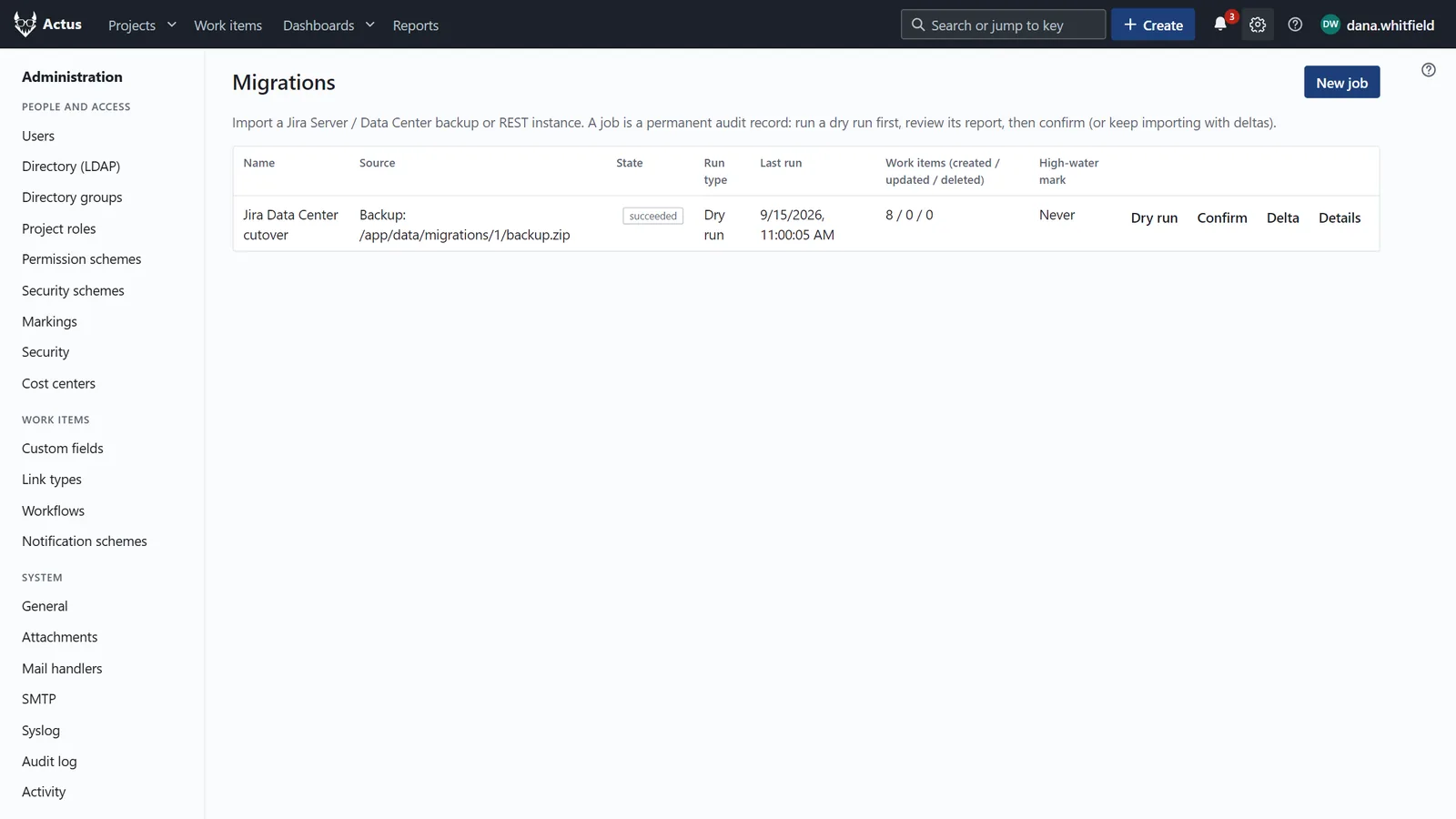
Import a Jira Server or Data Center instance over its REST API, or from a backup file (beta, built to Atlassian's documented format; always start with a dry run). A dry run imports into a staging database you can browse and report on, and production receives nothing. Confirm imports into production in a single transaction; delta runs then bring over the changes until cut-over. Choose per project whether a colliding key is rekeyed or merged, and map Jira users with a CSV. Old Jira links such as /browse/KEY redirect to the Actus work item.

  • Jira REST API or backup file (beta)
  • Staging dry run with preview and report
  • One-transaction confirm, delta runs and legacy URL redirects
Migrations page with the job Jira Data Center cutover, a succeeded dry run of 8 work items and the Dry run, Confirm, Delta and Details actions
03 / Help center

Documentation that ships with the app.

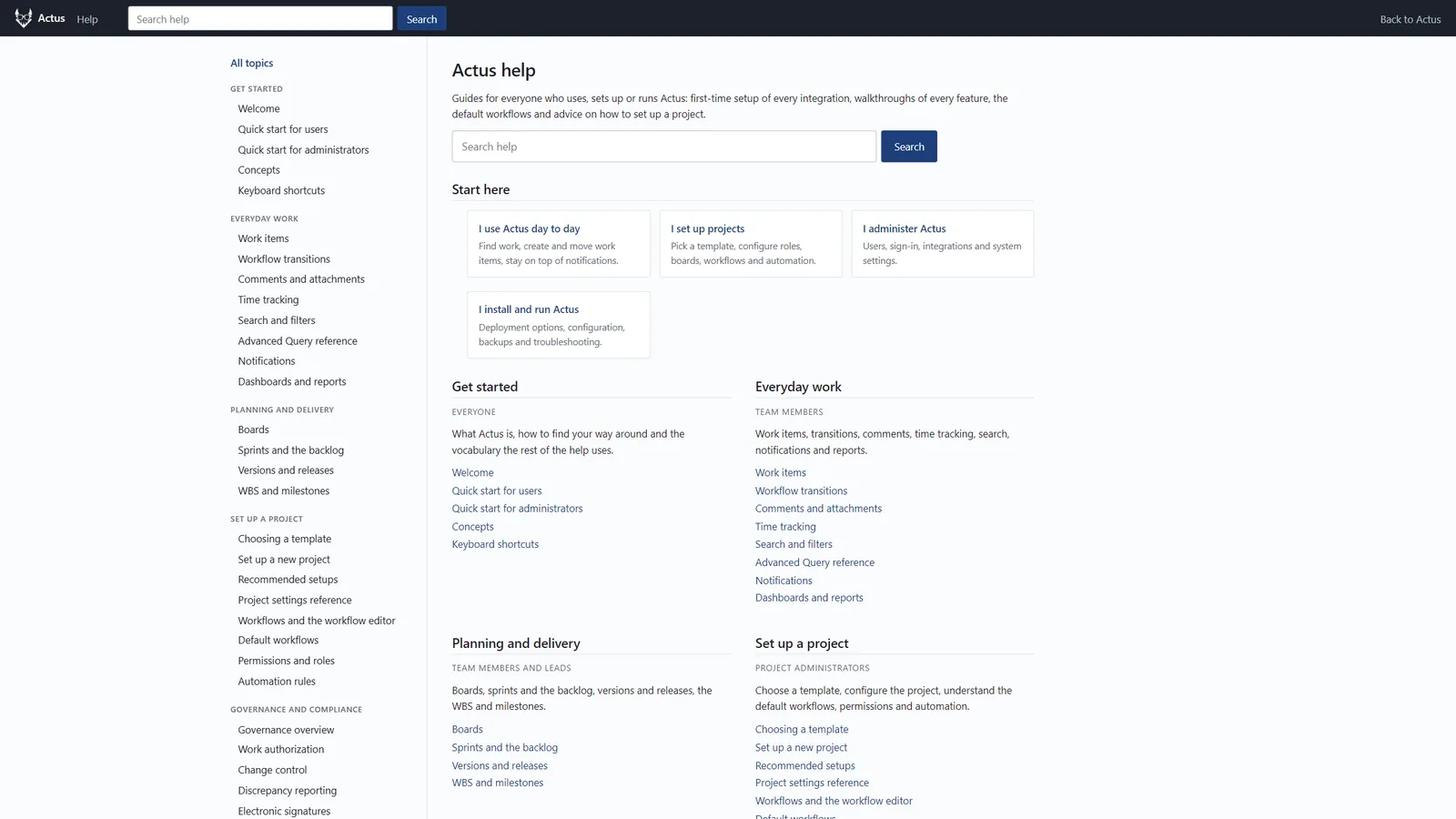
Actus serves its own help center to signed-in users, so it works on an isolated network: a sidebar of every topic, search, setup guides for the integrations, feature walkthroughs and flow charts of the default workflows. Many pages carry a Help for this page link in the corner, which an administrator can switch off for everyone.

  • Searchable, with an on-this-page outline
  • Setup guides and walkthroughs with workflow diagrams
  • Contextual Help for this page links
Actus help landing page with a sidebar of all sections, a search box, Start here cards for four roles and a card for each section
04 / Extend

Agents, extensions and events.

MCP server

For self-hosted AI agents

A JSON-RPC endpoint at POST /mcp, protocol version 2025-03-26, exposes seven tools to search, read, create and transition work items, comment, log work and check work authorization. It authenticates with a user-bound token, so every call runs with that user’s permissions.

Extensions

Sandboxed work item panels

Install an offline package of HTML, JavaScript, CSS, SVG and JSON files to add panels to the work item page. Panels run in a sandboxed frame, and Actus disables a package automatically if a file no longer matches its stored hash.

Webhooks

Push instead of poll

Prefer events to polling? Signed webhooks deliver work item events to your systems as they happen.

Integrations →